
See the workspace behind Web Envy DNS operations.
The Web Envy DNS platform brings DNS zones, failover policies, routing controls, API activity, service status, and support tickets into one clear operating environment.
Designed for calm, fast DNS work.
These platform previews show how customers can understand service health, manage DNS records, review platform settings, monitor readiness, and escalate support requests without digging through a cluttered control panel.
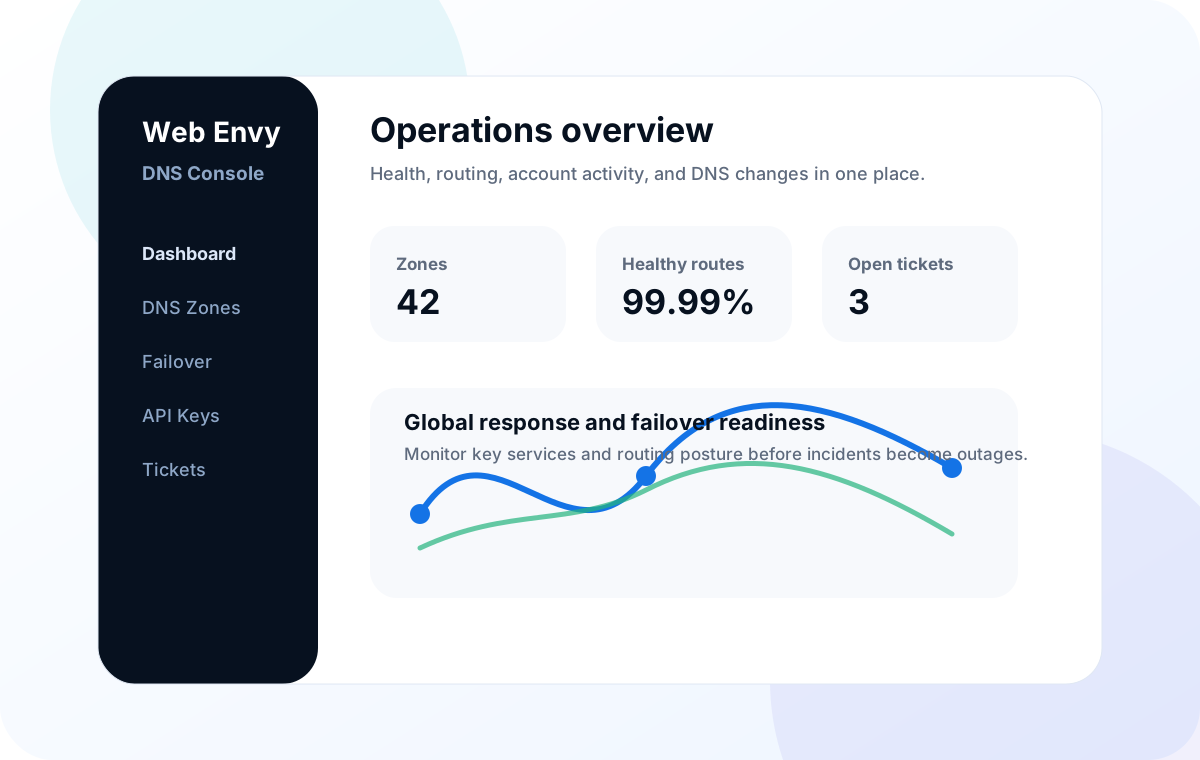
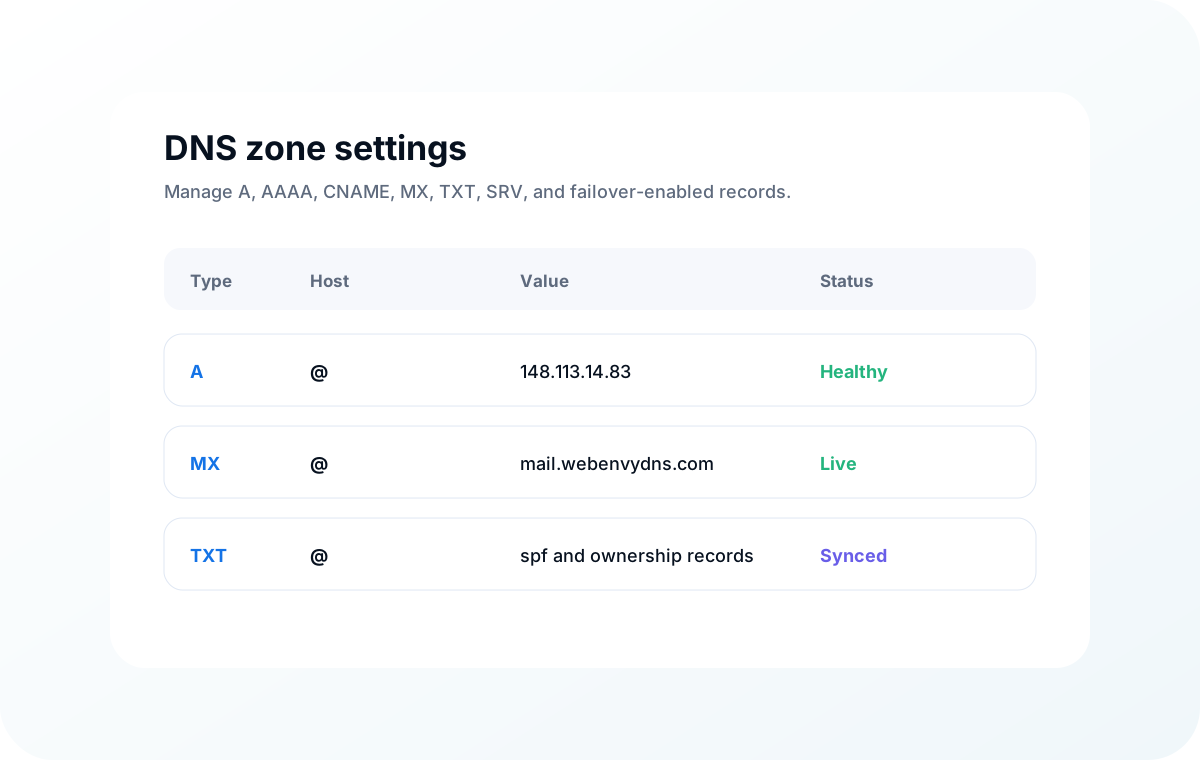
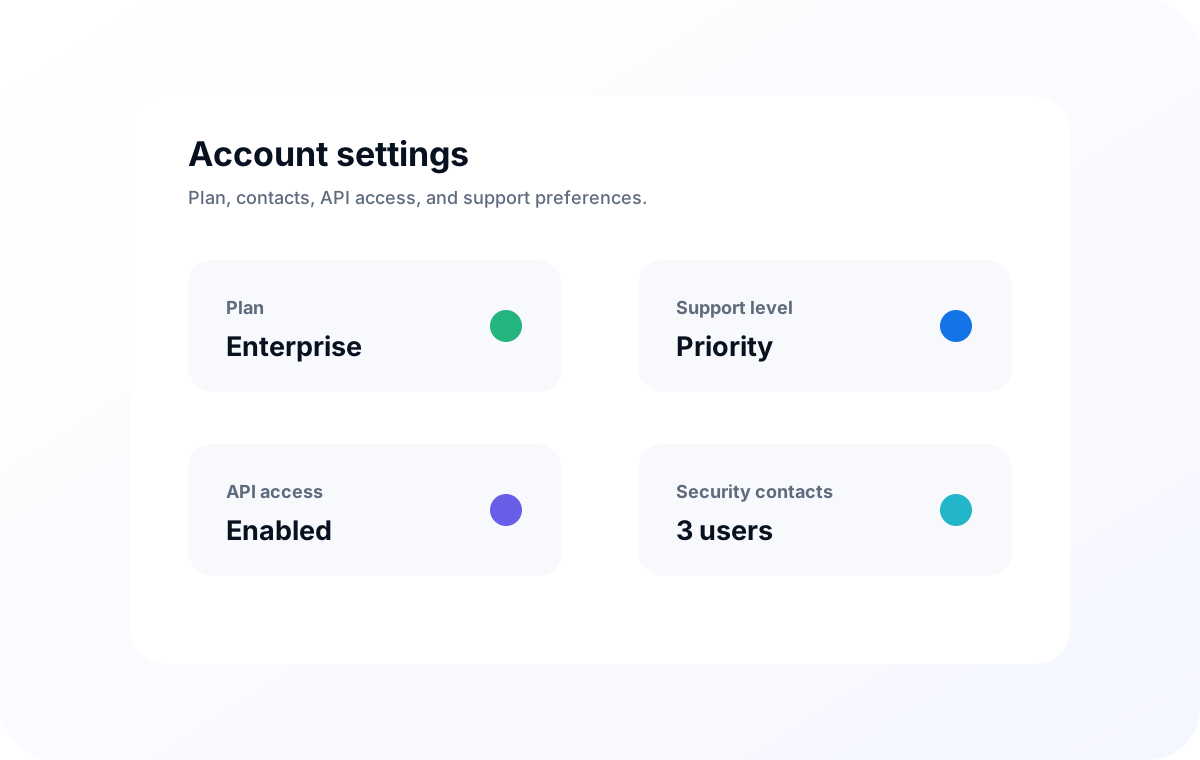
Everything important is reachable in a few clicks.
Customers need a platform that turns DNS from a hidden dependency into a visible operational system. The interface is organized around the tasks teams actually perform before, during, and after production changes.
Manage DNS zones
Add, edit, and review common record types including A, AAAA, CNAME, MX, TXT, SRV, SPF, NS, and SOA records.
Configure failover
Set monitor protocols, backup targets, failure thresholds, expected-content checks, and manual or automatic rollback behavior.
Review platform settings
View support contacts, service context, API status, security posture, and administrative preferences for DNS operations.
Open support tickets
Escalate service requests with domain, priority, issue description, service area, and customer contact information.
Different teams get the view they need to make better DNS decisions.
The platform story is intentionally practical: business owners need confidence, DNS admins need control, developers need repeatability, and support contacts need a clean path to help.
Understand coverage and support posture.
Review support level, service contacts, open tickets, DNS coverage, and readiness notes without entering the record editor.
Operate zones with less ambiguity.
Review records, synchronize important zones, inspect failover targets, and validate the DNS state before a launch or maintenance window.
Make DNS part of repeatable workflows.
Connect API-ready DNS operations to deployments, scripted changes, incident dashboards, and internal release processes.
Escalate with the right context.
Open tickets with the domain, service area, urgency, and technical details our team needs to start work quickly.
Review readiness before incidents.
Check standby targets, monitor posture, route state, support contacts, and recovery notes as part of recurring operational review.
See whether DNS continuity is covered.
Translate technical DNS resilience into business terms: customer access, revenue protection, continuity posture, and incident transparency.
Built for teams that want DNS changes to fit their workflow.
The API layer supports operational automation around DNS records, monitoring state, and routing changes. Teams can connect DNS management to deployment scripts, incident response, and internal dashboards while keeping support escalation close by.
- Create repeatable record-update workflows for launches, migrations, and recovery events.
- Review service state before changing routing policy or failover targets.
- Track support tickets alongside the domain and service context that generated the request.
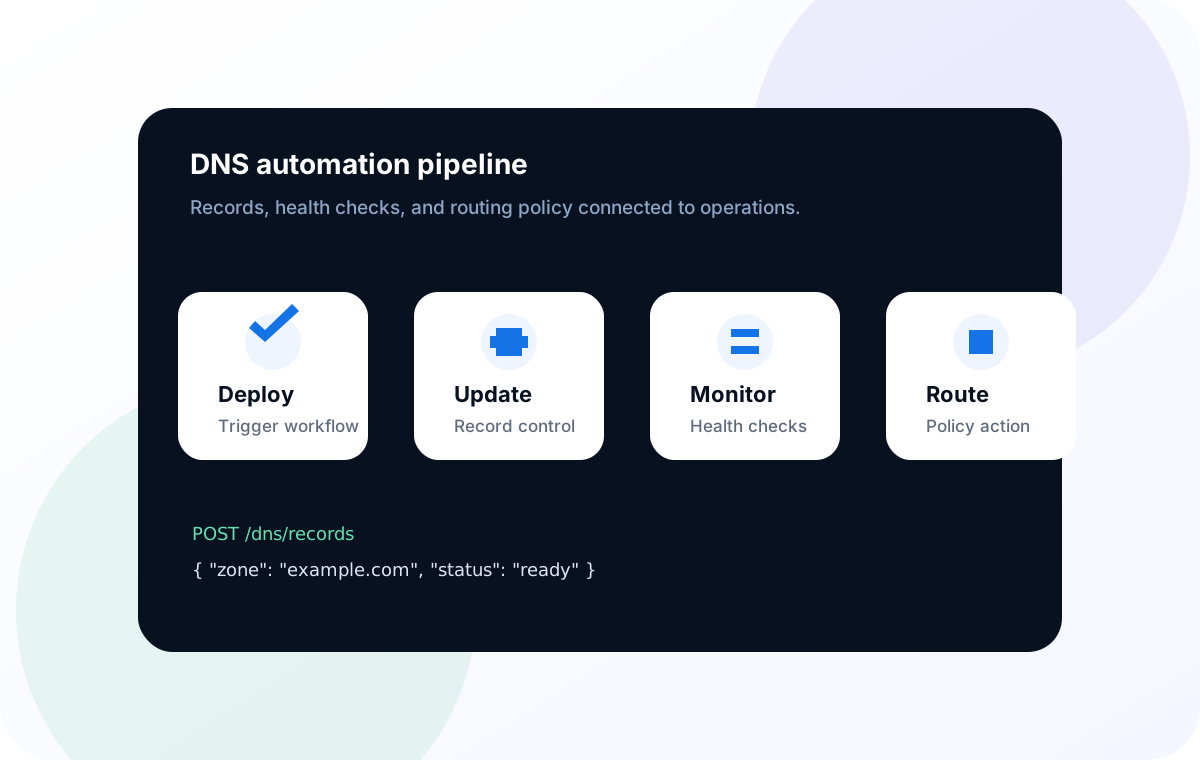
Platform activities for daily DNS operations.
Beyond record edits, the platform is structured around visibility, control, and support handoff.
Monitor global reach
Review the regions, name servers, and service endpoints involved in your DNS availability plan.
Audit failover readiness
Check monitor protocol, backup targets, check frequency, threshold logic, and rollback posture before outages happen.
Reduce provider risk
Keep backup DNS synchronized and ready as an independent continuity layer for key zones.
Connect automation
Use API-ready controls for deployments, scripted changes, internal dashboards, and repeatable DNS operations.
Centralize help requests
Create structured service tickets with the exact context support needs to triage quickly.
Plan multi-site routing
Support active/active, active/passive, geographic, and maintenance-routing strategies as infrastructure evolves.
The platform should make risk visible before a change goes live.
DNS mistakes are expensive because they are small changes with wide reach. The platform content now emphasizes review, validation, support handoff, and recovery state.
Change readiness
Review TTLs, record targets, affected domains, and dependency notes before launch, migration, or maintenance.
Failover readiness
Confirm primary endpoint, backup endpoint, monitor type, expected response, threshold, and rollback mode.
Support readiness
Keep support contacts, service area, affected domain, and priority close to the ticket workflow.
Status readiness
Provide a familiar place to review system posture, component state, and recent incidents.